Christmas Window Card Template (Free SVG Cut File — Any Size)
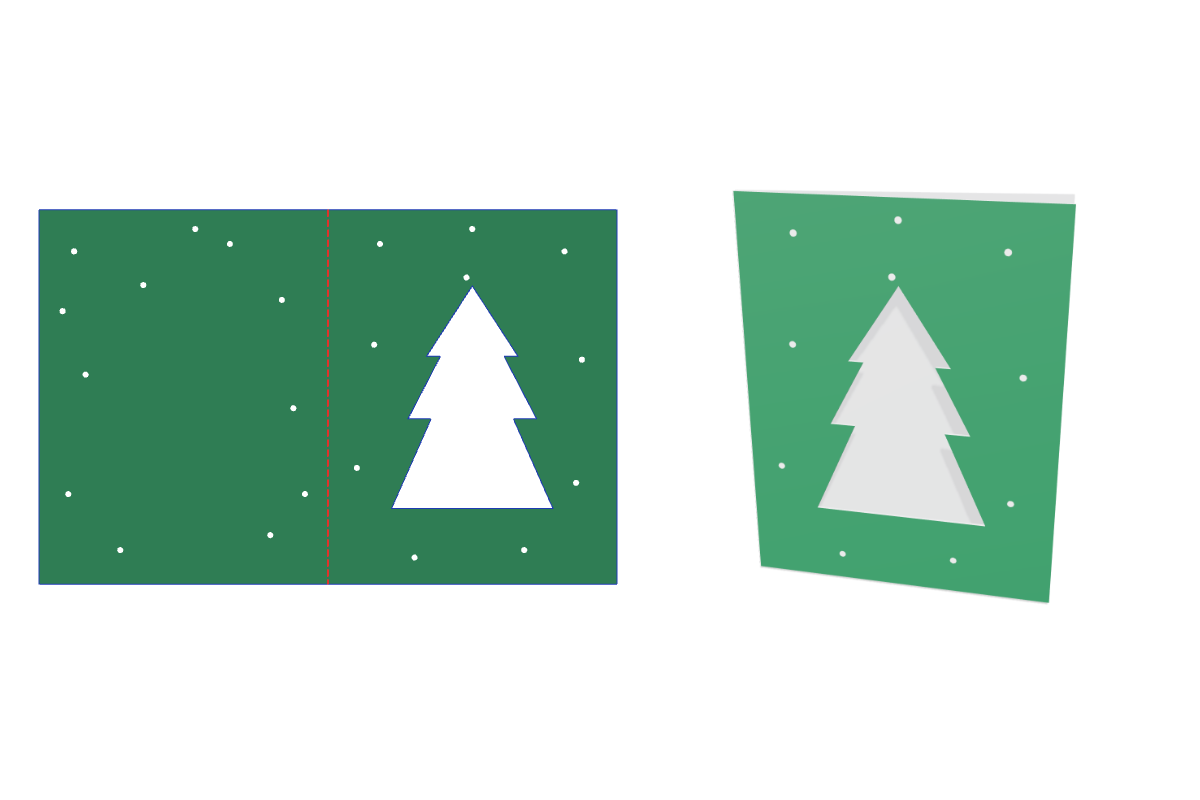
This free Christmas window card template makes a print-ready dieline at the exact size you type. Pick your options, preview it folded in 3D, and download a 1:1 SVG, PDF or DXF for your Cricut, Silhouette or laser cutter. No signup.
Customize the size in the editor →
What it's for
A simple handmade Christmas card with a shape cut from the front. Make a stack for family and friends, or use one as a gift tag for a bigger present. It fits a standard A2 envelope at the default size.
About this template
A single-fold card, 4.25 × 5.5 in when folded and 8.5 × 5.5 in flat, with a tree, star, bauble or trio window. The window shows the inside of the back panel, so that surface has to contrast with the cover. Print the outside on white card, or cut a colored cover and a contrasting insert with no printer.
Common christmas window card sizes
| Size | Width × height (in) | Width × height (mm) |
|---|---|---|
| A2 | 4.25 × 5.5 in | 108 × 140 mm |
| A6 | 4.5 × 6.25 in | 114 × 159 mm |
| A7 | 5 × 7 in | 127 × 178 mm |
The default is 4.25 × 5.5 in. Every size is adjustable in the editor.
How to assemble
- Print or choose your card. For the printed card, print the outside on white card at 100%. For the no-printer card, pick a cover color and a contrasting insert color.
- Cut and score. Cut the outline and window, and score the fold line. For the no-printer card, cut the insert from its own color.
- Add the insert if you have one. Glue the insert inside the back panel with an even border, so it shows through the window.
- Fold and write. Fold along the score with the outside facing out. Write clear of the window area, because anything behind it shows through.
Materials and settings
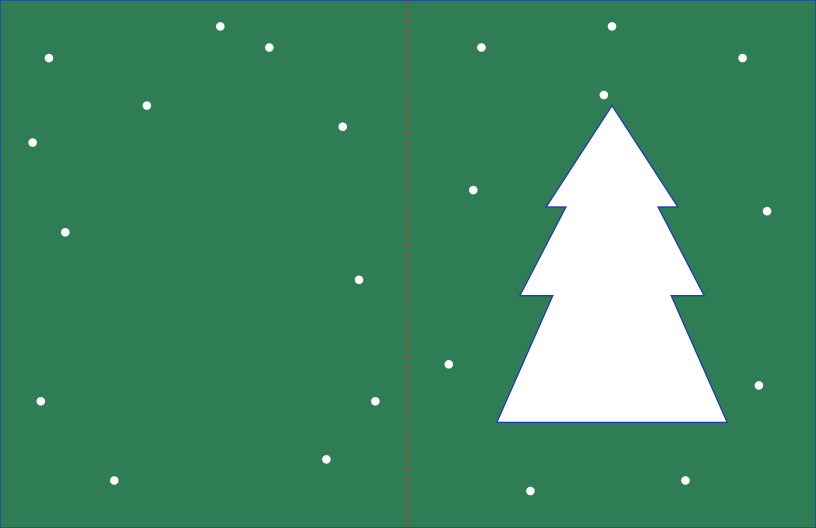
The default material thickness is 0.018 in (0.46 mm); set your own in the editor to match your paper or board. Blue lines are cuts and red dashed lines are scores: in Silhouette Studio use Cut by Line Color, and in Cricut Design Space set the red fold lines to Score. Use white card for the printed version, and two contrasting colors for the no-printer version. Check that your printer feeds card. Print Then Cut limits vary by machine, so confirm the size in your software. In Design Space, Flatten keeps the window but not a score line, so fold by hand along a ruler if the score drops. This design is calculated and hasn't been physically cut yet.
Download the default size
Free christmas window card cut files at the default 4.25 × 5.5 in, exact 1:1 scale. Need another size? Customize it in the editor.
Download SVG Download PDF Download DXF
Christmas Window Card FAQ
- What size envelope does this card fit?
- This Christmas window card template defaults to 4.25 × 5.5 in, which is A2 size, which fits a 4.375 × 5.75 in A2 envelope. You can make a matching envelope with the Envelope template.
- Why does the window need a contrasting color?
- The window shows the inside of the back panel. On one color of card, the shape would barely show. The printed version shows white inside against a printed cover, and the no-printer version uses a contrasting insert.
- Do I need a printer?
- No. Choose No printer in the editor, then cut a cover and an insert from two colors of card. The colors in the preview are only there to help you choose, and they aren't in the files.
- Is the christmas window card template free?
- Yes. It runs free in your browser with no signup and no watermark, and what you make is yours and free to use.
- Which files do I get, and do they work with Cricut and Silhouette?
- You get a 1:1 PDF, SVG and DXF. Use SVG for Cricut Design Space and Silhouette Designer Edition, or DXF for the free Silhouette edition. Blue lines cut and red lines score.