Bear Desk Calendar 2027 Template (Free Dieline — Any Size)
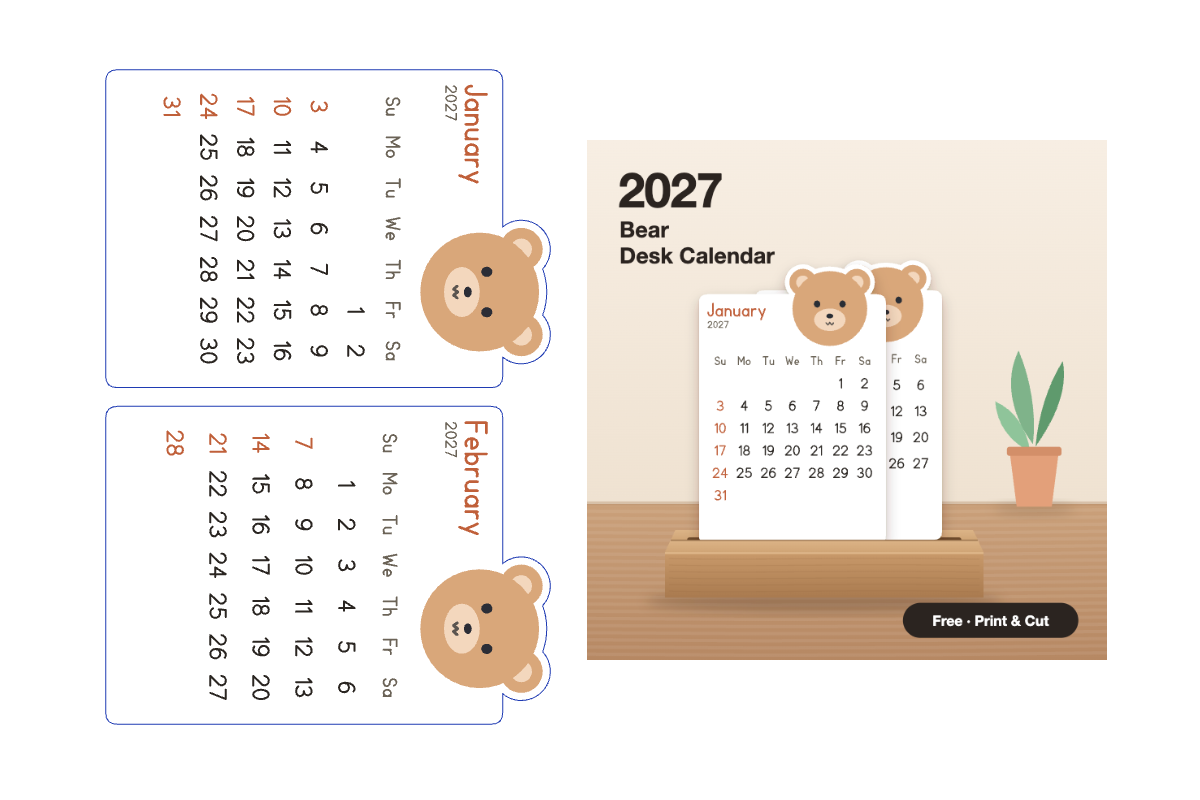
This free bear desk calendar 2027 makes a print-ready dieline at the exact size you type. Pick your options, preview the layout, and download a 1:1 SVG, PDF or DXF for your Cricut, Silhouette or laser cutter. No signup.
Customize the size in the editor →
What it's for
A small calendar for a desk, shelf or kitchen counter, with a bear peeking over every month. It makes a handmade New Year gift for a teacher, a coworker or a friend, and a set to sell at craft fairs.
About this template
Twelve month cards for 2027, January to December, each with a bear whose ears are part of the cut line and whose face prints just like our animal treat boxes. The month name and dates are drawn as shapes, so they print at exact size with no fonts to install. Two cards fit on each letter page inside the Print Then Cut area, so the year takes 6 sheets. The bottom 0.6 in of each card stays clear of dates, so they can stand in a slotted card holder or a small photo stand.
Common bear desk calendar 2027 sizes
| Size | Width × height (in) | Width × height (mm) |
|---|---|---|
| Mini | 3 × 4 in | 76 × 102 mm |
| Standard | 4 × 5 in | 102 × 127 mm |
| Wide | 4.5 × 5 in | 114 × 127 mm |
The default is 4 × 5 in. Every size is adjustable in the editor.
How to assemble
- Print and cut the cards. Print sheets 1 to 6 on letter pages of white cardstock with Print Then Cut. The machine cuts each card and its head in one pass.
- Check the first sheet. Cut sheet 1 first and check the head and its white border cut cleanly before printing the rest.
- Display them. Stand the cards in a small photo or card stand, or clip them together at the top, with January in front.
Materials and settings
The default material thickness is 0.012 in (0.3 mm); set your own in the editor to match your paper or board. Blue lines are cuts and red dashed lines are scores: in Silhouette Studio use Cut by Line Color, and in Cricut Design Space set the red fold lines to Score. Print the cards on white cardstock of 65 to 80 lb. Every part of the print, including the card color, the month name, the Sundays and the face, can be recolored in the editor. Nothing here has been cut and stood up yet, so cut one card first as a test.
Download the cut files
Free bear desk calendar 2027 cut files at exact 1:1 scale, one file for each sheet. You can also preview each sheet in the editor.
Sheet 1: January and February: Download SVG Download PDF Download DXF
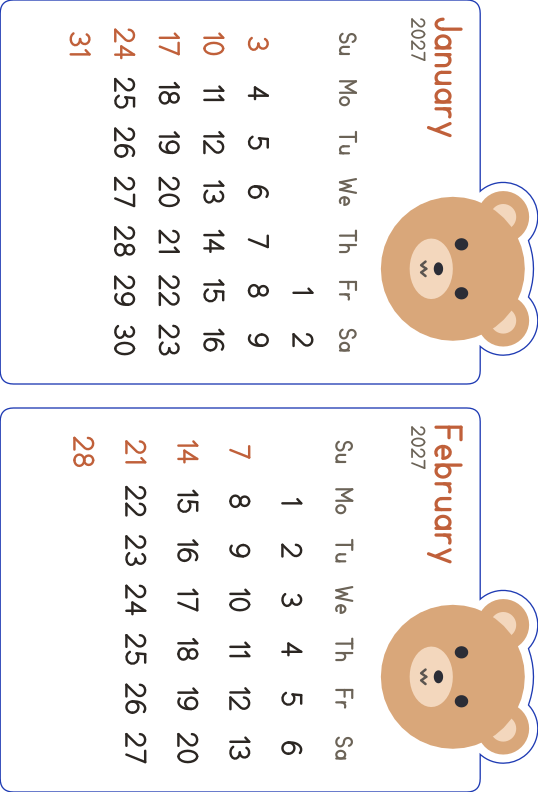
Sheet 2: March and April: Download SVG Download PDF Download DXF
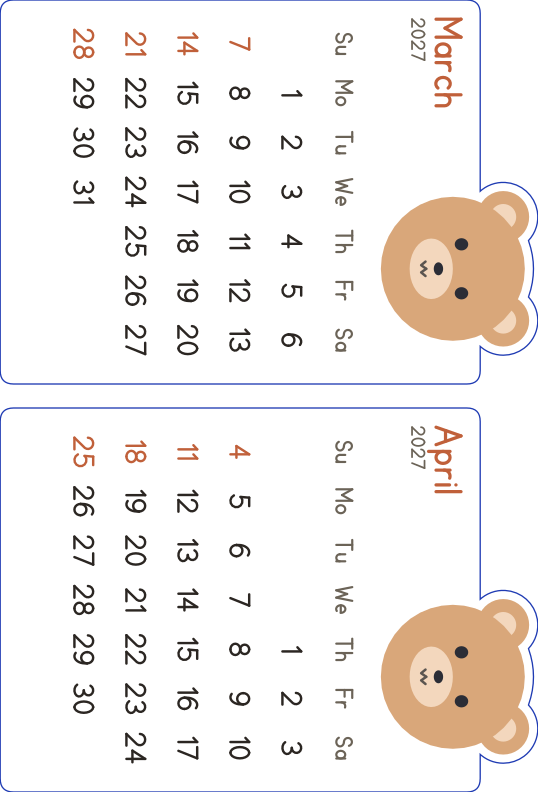
Sheet 3: May and June: Download SVG Download PDF Download DXF
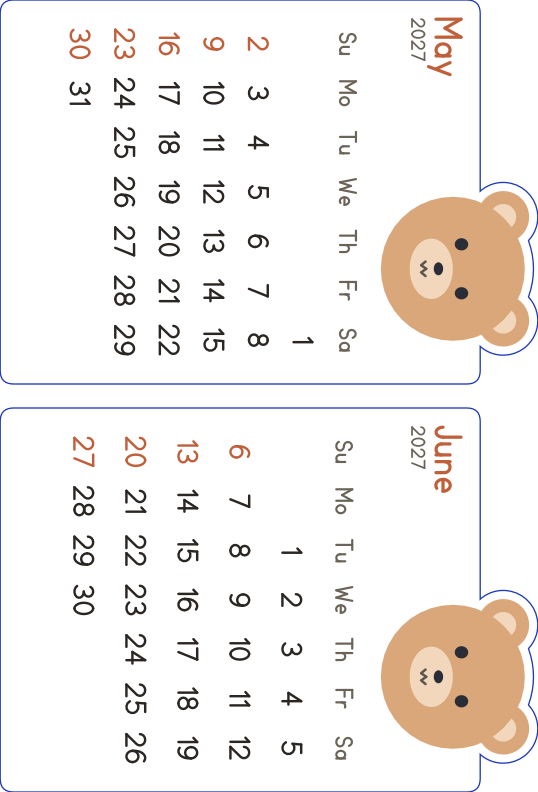
Sheet 4: July and August: Download SVG Download PDF Download DXF
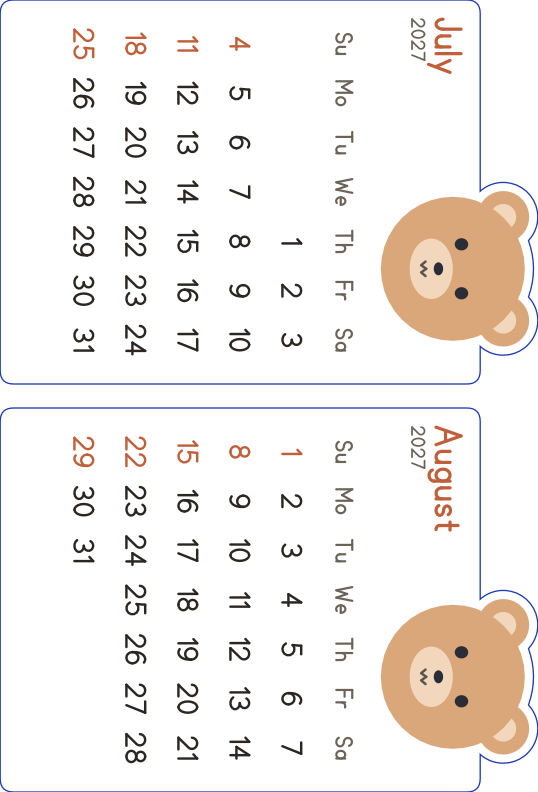
Sheet 5: September and October: Download SVG Download PDF Download DXF
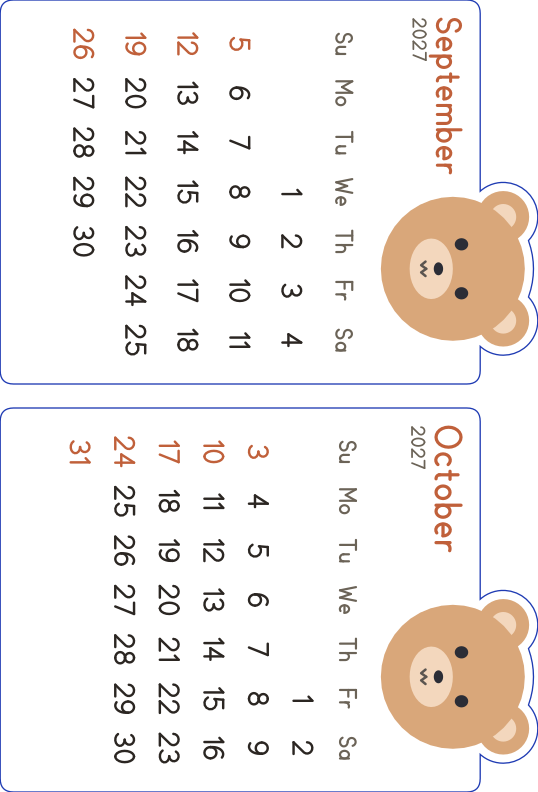
Sheet 6: November and December: Download SVG Download PDF Download DXF
Bear Desk Calendar 2027 FAQ
- Is this bear desk calendar 2027 free?
- Yes. Every sheet downloads free, with no signup, and the files you make are yours for personal or commercial use.
- What size are the bear calendar cards?
- The default card is 4 × 5 in, plus the ears. Type any width from 2.5 to 4.5 in in the editor; the height is limited so that two cards still fit one Print Then Cut sheet.
- How do I stand up the bear calendar?
- Use a small photo or card stand with a slot, or clip the cards together at the top. The bottom 0.6 in of each card is left clear of dates so it can sit in a slot.
- Is the bear desk calendar 2027 template free?
- Yes. It runs free in your browser with no signup and no watermark, and what you make is yours and free to use.
- Which files do I get, and do they work with Cricut and Silhouette?
- You get a 1:1 PDF, SVG and DXF. Use SVG for Cricut Design Space and Silhouette Designer Edition, or DXF for the free Silhouette edition. Blue lines cut and red lines score.